







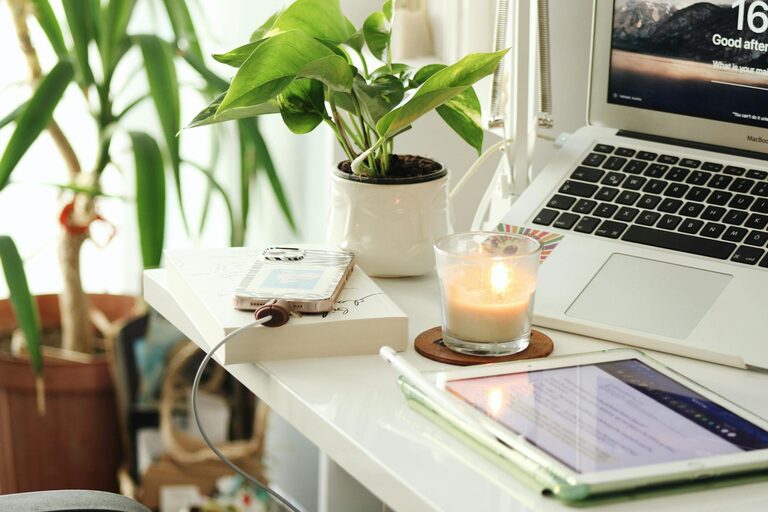
Creating a relaxing home workspace is essential for anyone working remotely or spending significant time on personal projects. A peaceful environment not only encourages focus but also supports your overall well-being. In this post, we’ll explore practical tips to design a workspace that promotes comfort and helps you stay productive throughout your day.
Why a Relaxing Workspace Matters
Having a dedicated, comfortable workspace at home offers several benefits:
– Improved focus: A calm setting minimizes distractions and helps you concentrate.
– Increased comfort: Ergonomic furniture and good lighting reduce physical strain.
– Enhanced creativity: A pleasant area can inspire your work and keep motivation high.
– Better work-life balance: Separating your work area from leisure spaces promotes mental clarity.
Now, let’s dive into the key tips to create that perfect relaxing home workspace.
Choose the Right Location
Start by selecting a quiet spot with minimal traffic and interruptions. Ideally, this space should:
– Be away from high-traffic areas like the kitchen or living room.
– Receive plenty of natural light to boost mood and energy.
– Allow some privacy, so you can take calls or focus without distractions.
If space is limited, consider using noise-cancelling headphones or partitions to create a distinct boundary between work and home life.
Invest in Ergonomic Furniture
Comfort matters when you’re working for hours at a time. Ergonomic furniture can prevent discomfort and long-term health issues. Consider the following:
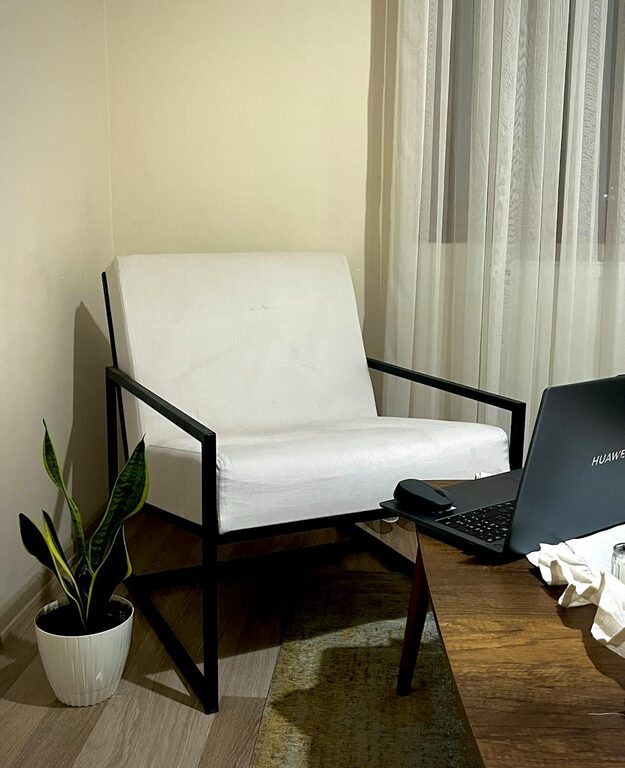
– Chair: Choose an adjustable ergonomic chair with lumbar support.
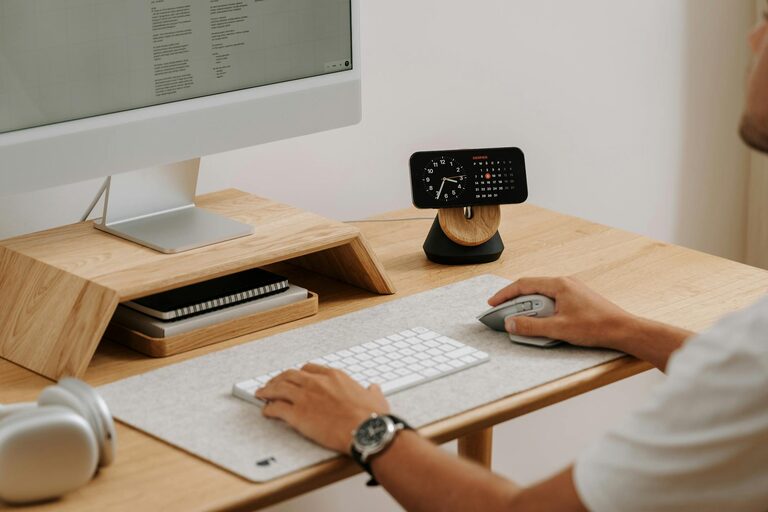
– Desk: Pick a desk that fits your height and allows enough surface space for your equipment.
– Desk accessories: Use a keyboard tray and monitor stands to maintain proper posture.
Test different setups before deciding what feels best for you.
Optimize Lighting for Comfort and Focus
Lighting plays a big role in how comfortable and productive you feel.
– Make the most of natural light by positioning your desk near windows.
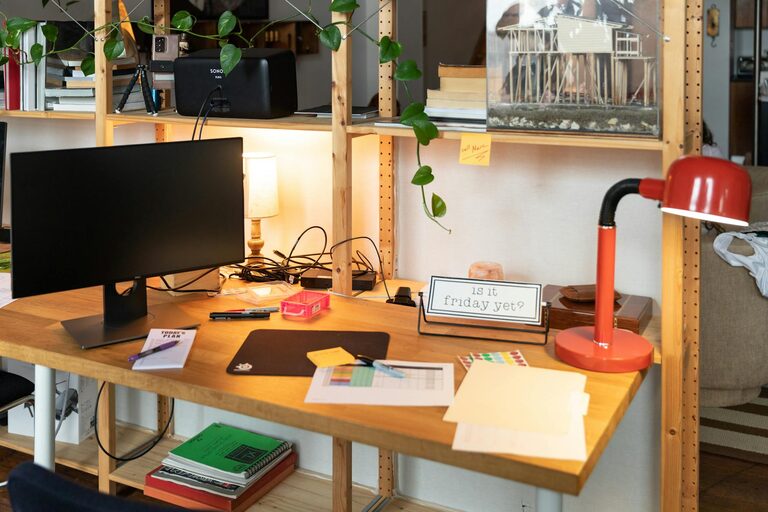
– Use adjustable desk lamps with warm or neutral light to reduce eye strain.
– Avoid harsh overhead fluorescent lighting on its own.
Good lighting reduces fatigue and helps keep your energy steady during the day.
Keep Your Workspace Organized
Clutter can be mentally distracting and reduce efficiency. Here’s how to keep your area tidy:
– Use storage bins, shelves, or drawers to organize supplies.
– Keep only essential items on your desk.
– Make a habit of tidying your space at the end of each workday.
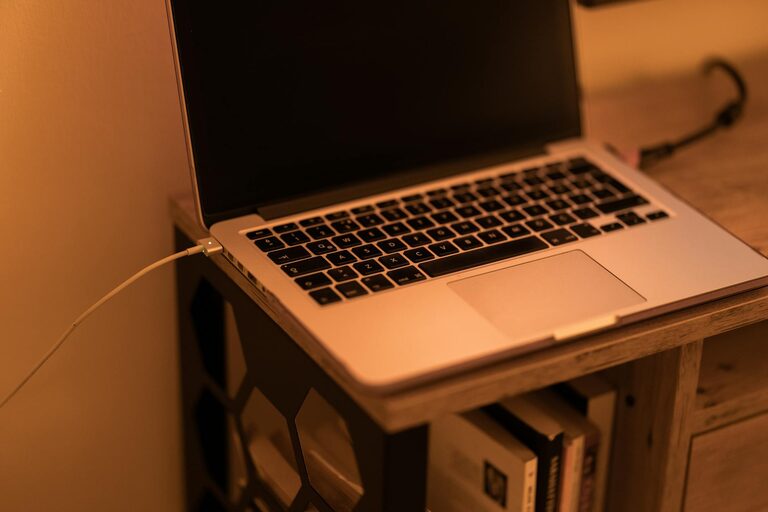
– Use cable management tools to keep cords neat and out of the way.
A clean workspace helps your mind stay clear and your work flow smoothly.
Personalize Your Space Thoughtfully
Adding personal touches can make your workspace more inviting and relaxing without creating clutter.
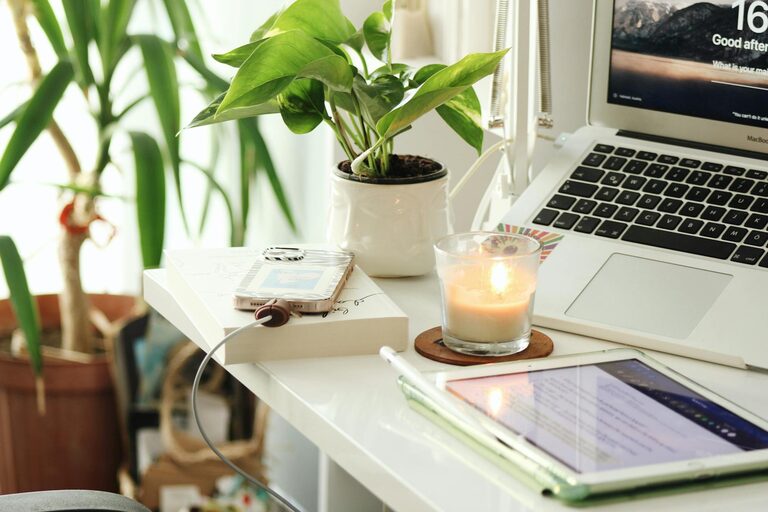
– Incorporate plants or greenery to bring life and freshness.
– Choose calming colors for your decor like soft blues, greens, or neutrals.
– Display inspiring artwork or photos that motivate you.
– Use scent with essential oil diffusers or candles if allowed.
These elements can raise your mood and make you feel at ease.
Manage Noise Levels
Background noise can either help or hurt your focus, depending on your preference.
– Use noise-cancelling headphones if you need silence.
– Play soft instrumental music or nature sounds for a calming atmosphere.
– Consider a white noise machine to block distracting sounds.
– Talk to family or housemates about quiet hours during your work time.
Finding the right noise environment contributes greatly to your comfort.
Take Regular Breaks and Move
Even in a perfect workspace, prolonged sitting can lead to discomfort.
– Follow the 20-20-20 rule: every 20 minutes, look 20 feet away for 20 seconds.
– Stand up and stretch regularly.
– Take short walks around your home or outside for fresh air.
– Incorporate simple stretches to reduce muscle tension.
These habits reduce fatigue and keep your mind sharp.
Use Technology to Support Relaxation
Technology can help maintain a peaceful workspace:
– Use apps that remind you to take breaks and practice mindfulness.
– Adjust screen brightness and settings to reduce eye strain.
– Utilize digital calendars and task managers to stay organized.
– Invest in ergonomic accessories like wrist rests or a comfortable mouse.
Balancing technology use with relaxation techniques makes your workday smoother.
Final Thoughts
Designing a relaxing home workspace is about balancing comfort, functionality, and personal style. A well-planned space supports your mental and physical health while helping you stay productive. Start small by adjusting one element at a time, and soon your home office will become a place you look forward to working in every day. Remember, the goal is a space where you can feel calm, focus well, and enjoy the process of your work.