







Creating an effective home workspace is essential for maintaining productivity and focus when working remotely. A well-designed environment not only supports your work habits but also promotes comfort and reduces distractions. Whether you have a dedicated room or just a small corner, these tips will help you optimize your home workspace for maximum efficiency.
Choose the Right Location
The foundation of a productive workspace starts with selecting the best location in your home.
– Find a Quiet Spot: Pick a place away from high-traffic areas and noisy appliances.
– Natural Light: Choose a spot near a window to benefit from daylight, which can improve mood and energy.
– Space Considerations: Make sure the area is spacious enough for your desk, chair, and any necessary equipment.
Invest in Ergonomic Furniture
Comfort is key when working for long hours.
– Supportive Chair: Choose an adjustable chair that supports your lower back and encourages good posture.
– Proper Desk Height: Your desk should align with your elbows when seated to avoid strain.
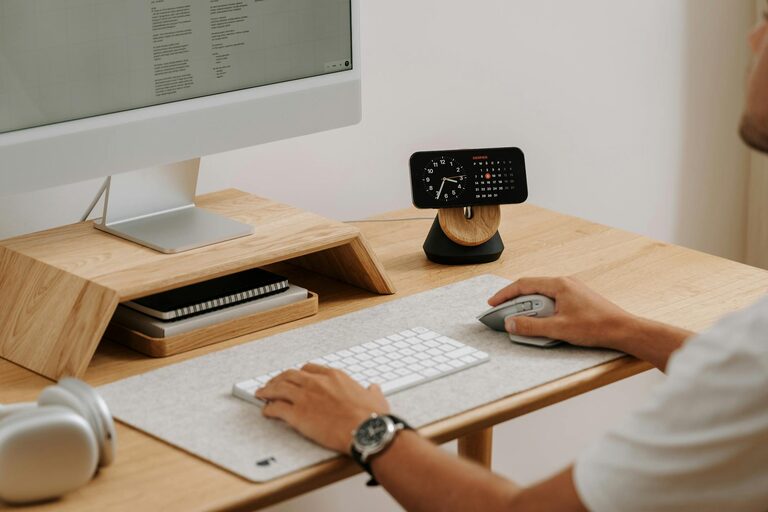
– Monitor Positioning: Place your computer screen at eye level to reduce neck and eye strain.
Organize Your Workspace
An uncluttered environment promotes clearer thinking and faster work.
– Declutter Regularly: Keep only essentials on your desk; store other items elsewhere.
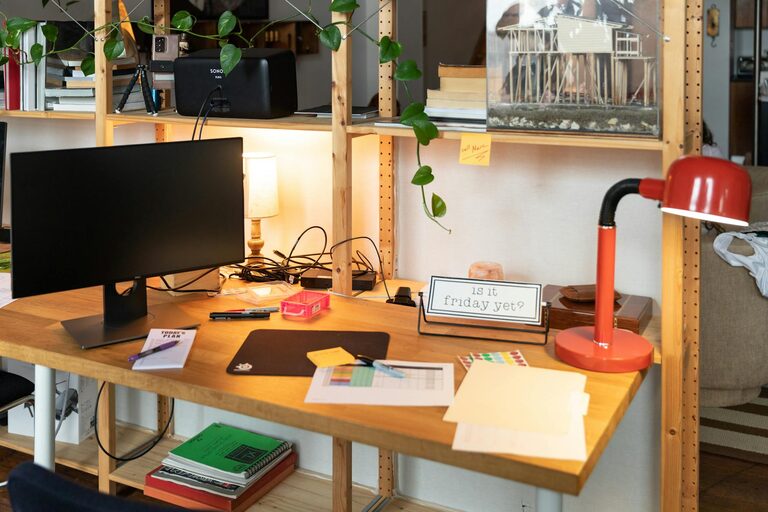
– Use Storage Solutions: Organize papers, stationery, and gadgets in drawers, shelves, or containers.
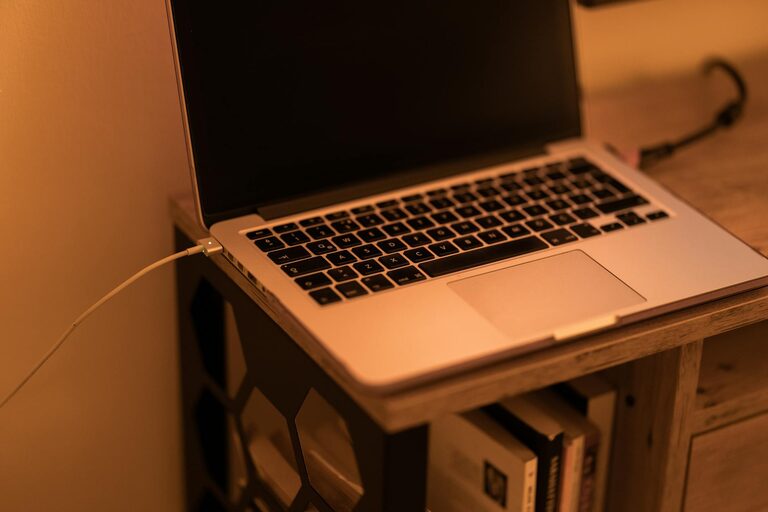
– Cable Management: Use clips or ties to keep cords tidy and out of the way.
Establish Good Lighting
Lighting can significantly impact your ability to focus.
– Use Task Lighting: A desk lamp with adjustable brightness helps focus on specific tasks.
– Avoid Glare: Position screens away from direct light sources to avoid eye strain.
– Supplement Natural Light: During darker hours, use warm, consistent lighting to reduce fatigue.
Minimize Distractions
Distractions can easily disrupt workflow, especially at home.
– Set Boundaries: Communicate your work schedule to family or housemates.
– Use Headphones: Noise-cancelling headphones can block out background noise.
– Limit Digital Interruptions: Turn off non-essential notifications and use apps that encourage focus.
Personalize Your Workspace
Adding personal touches can make the space more inviting and motivating.
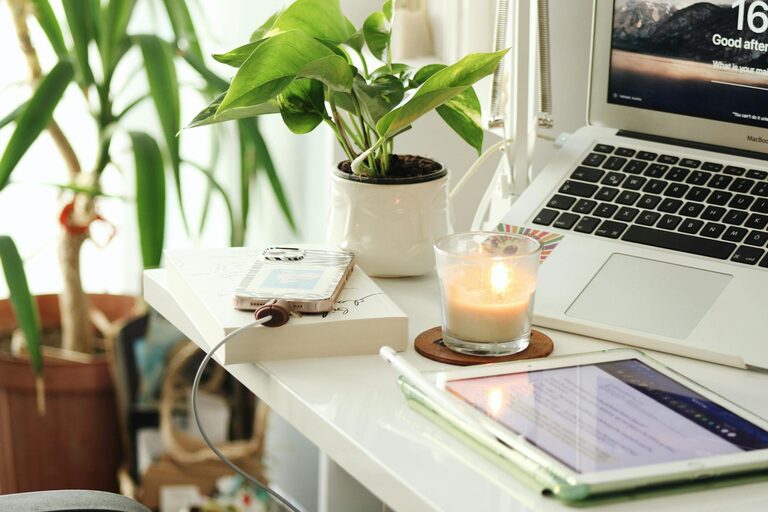
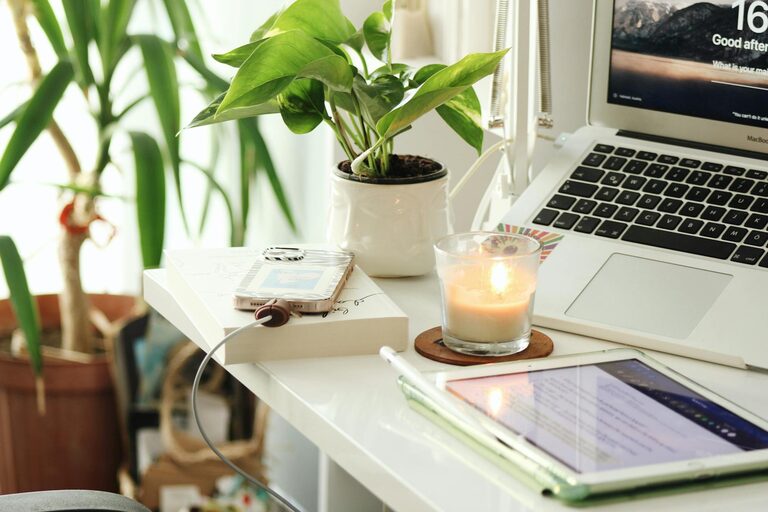
– Incorporate Plants: Greenery improves air quality and adds a calming element.
– Add Inspirational Items: Photos, artwork, or quotes can keep you motivated.
– Comfort Items: Keep a water bottle or your favorite mug nearby to stay hydrated and comfortable.
Implement a Routine
Your workspace should encourage productive habits.
– Set Working Hours: Stick to consistent start and finish times to separate work from leisure.
– Take Breaks: Use techniques like the Pomodoro method to maintain focus and avoid burnout.
– End-of-Day Ritual: Clean your desk and plan tasks for the next day to create a fresh start.
Keep Technology Up-to-Date and Organized
Your tech setup has a direct impact on productivity.
– Reliable Internet: Ensure a strong and stable connection.
– Essential Tools: Use efficient software and hardware suited to your tasks.
– Backup Data: Regularly save and organize digital files to avoid loss and confusion.
Maintain Good Air Quality and Temperature
Comfort includes environmental factors that affect your focus.
– Ventilation: Keep windows open periodically to allow fresh air.
– Temperature Control: Use fans, heaters, or air conditioners to maintain a comfortable climate.
– Avoid Overheating: Excess heat can cause fatigue and reduce productivity.
Conclusion
Designing an effective home workspace is a combination of careful planning and personal preference. By focusing on comfort, organization, lighting, and minimizing distractions, you can create an environment that nurtures productivity and well-being. Remember, your workspace should reflect your unique needs while encouraging habits that help you perform your best every day.